SonicWall
SonicWall TZ, NSa, and NSsp firewalls (with SonicWave access points or built-in wireless) authenticate WiFi clients against IronWiFi cloud RADIUS using WPA2-Enterprise (802.1X), with an optional external Lightweight Hotspot Messaging (LHM) captive portal for guest networks. RADIUS servers are configured under Users > Settings > Authentication, and the splash page is set per Guest Zone.
Prerequisites
In IronWiFi Console (complete these first):
- Create a Network in IronWiFi Console
- Create a Captive Portal with the appropriate vendor
- Note your RADIUS settings and Splash Page URL
In SonicWall:
- Administrative access to SonicWall device
- Network connectivity to IronWiFi RADIUS servers
Device Configuration
Step 1: Access SonicWall Management Interface
Log in to the SonicWall management interface.
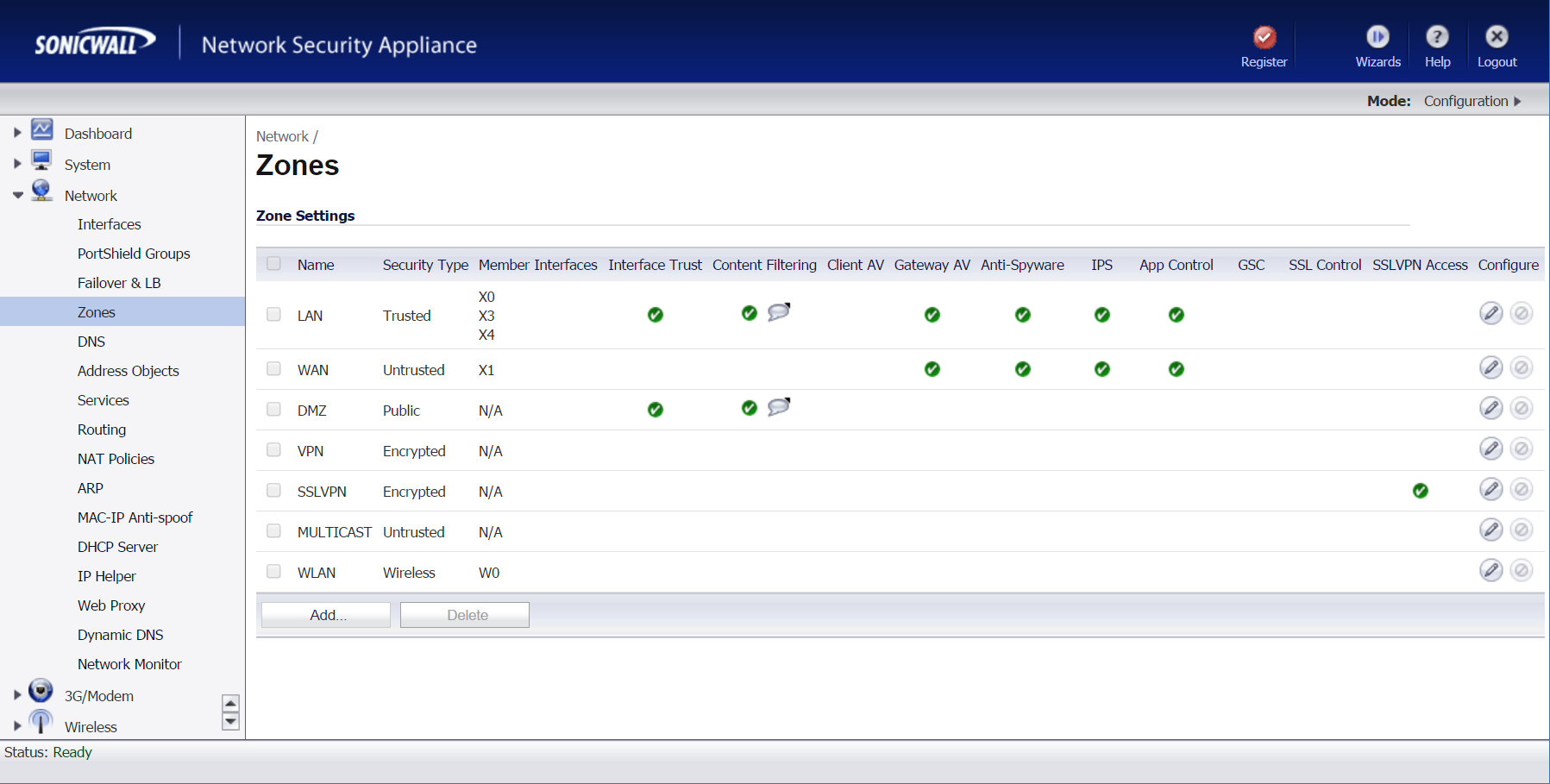
Step 2: Configure RADIUS Server
Navigate to the RADIUS server settings and add the IronWiFi RADIUS server.
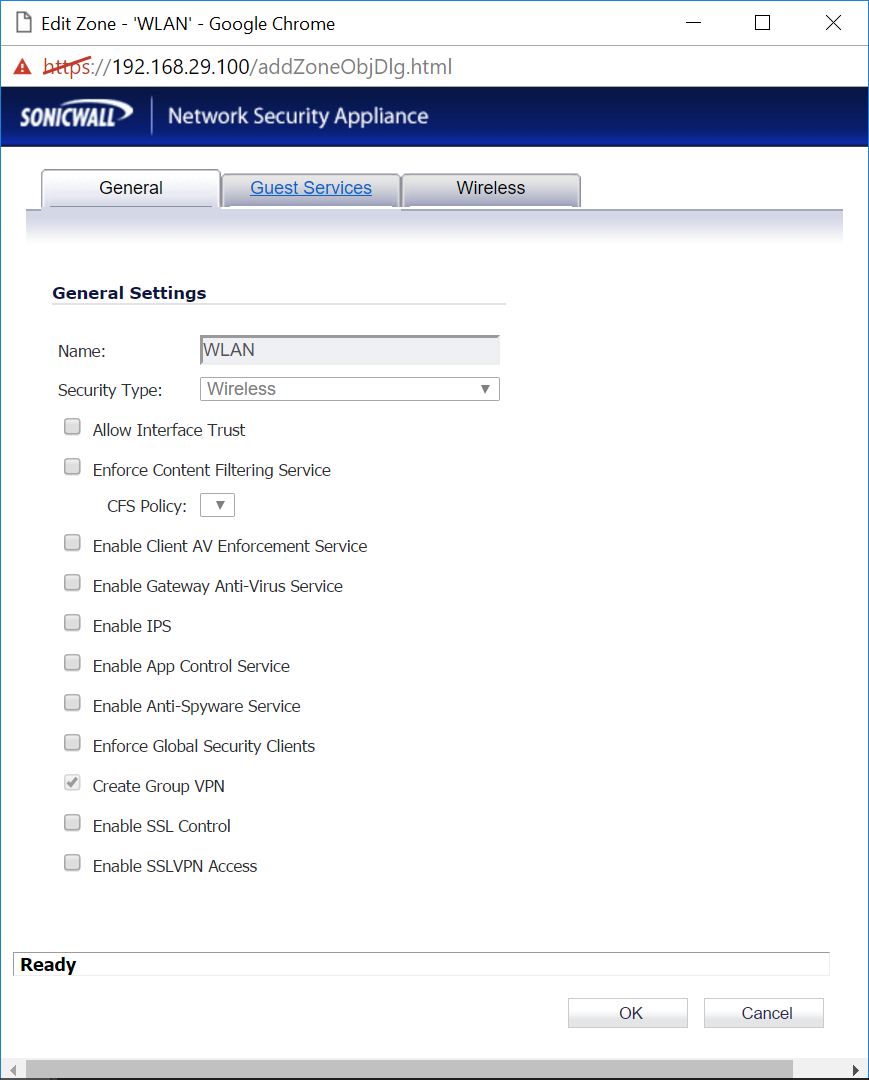
RADIUS Settings
Configure your device with:
| Setting | Value |
|---|---|
| Primary Server | |
| Auth Port | |
| Acct Port | |
| Shared Secret | |
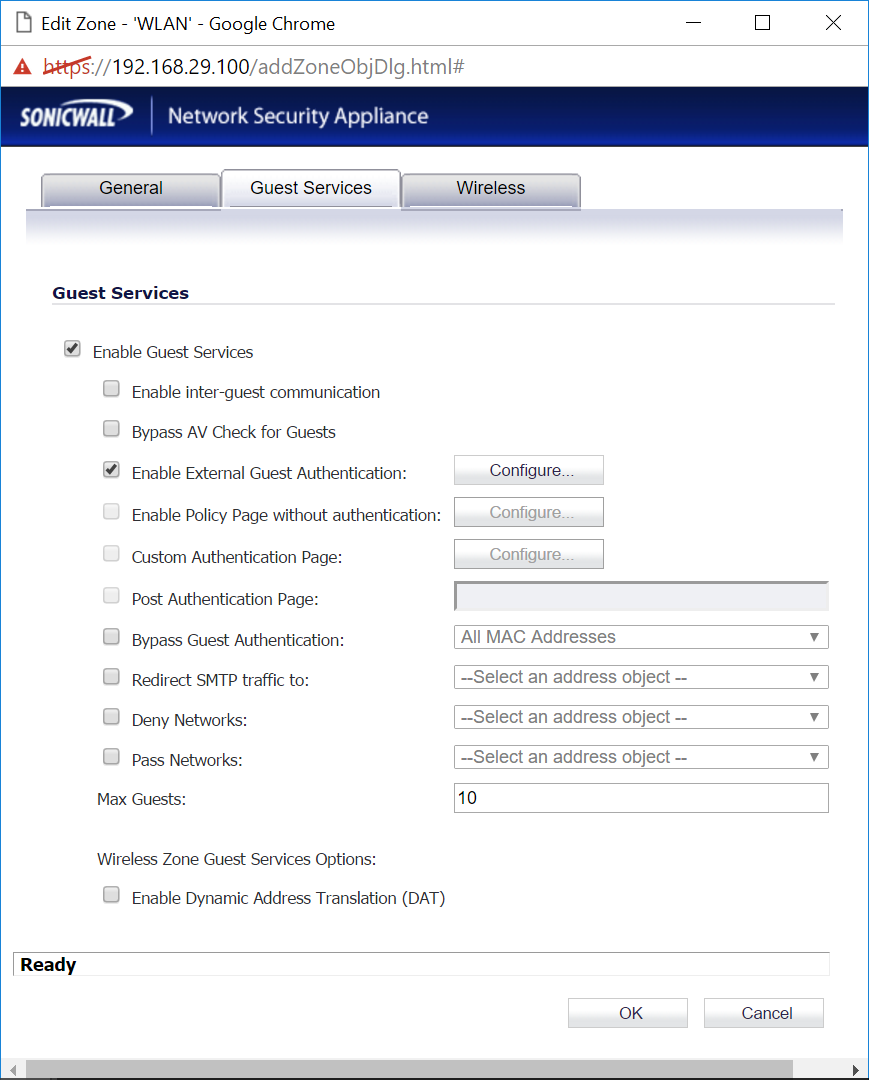
Step 3: Configure Captive Portal
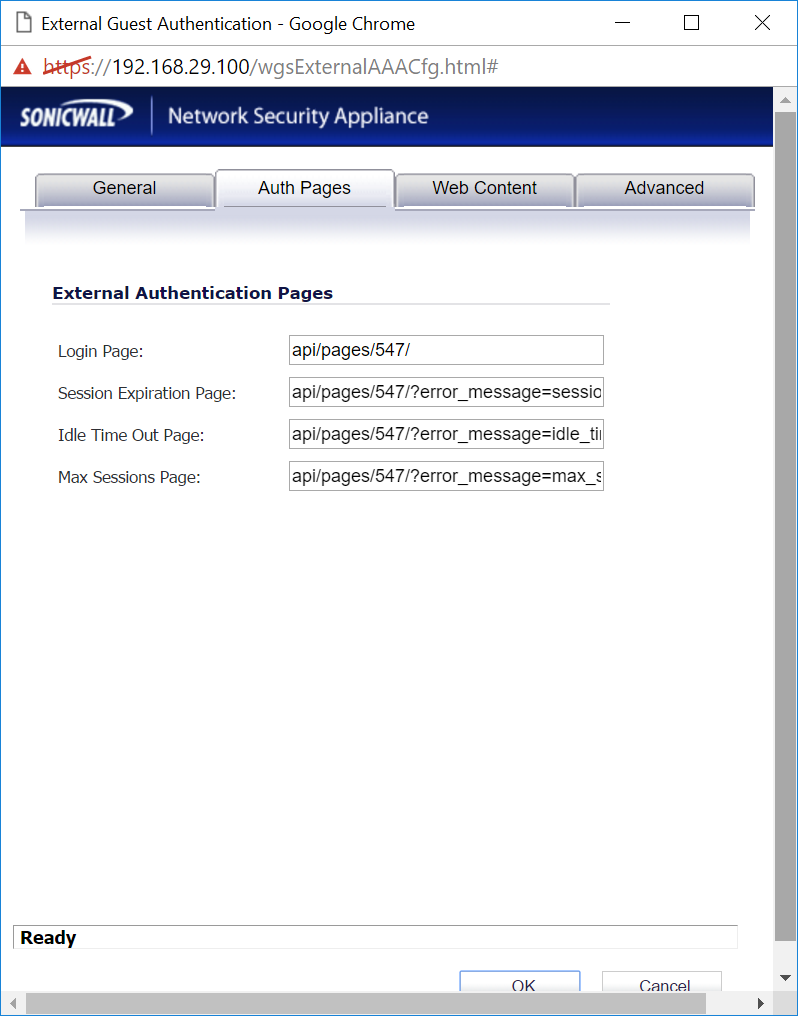
Set up the external captive portal with the IronWiFi splash page URL.
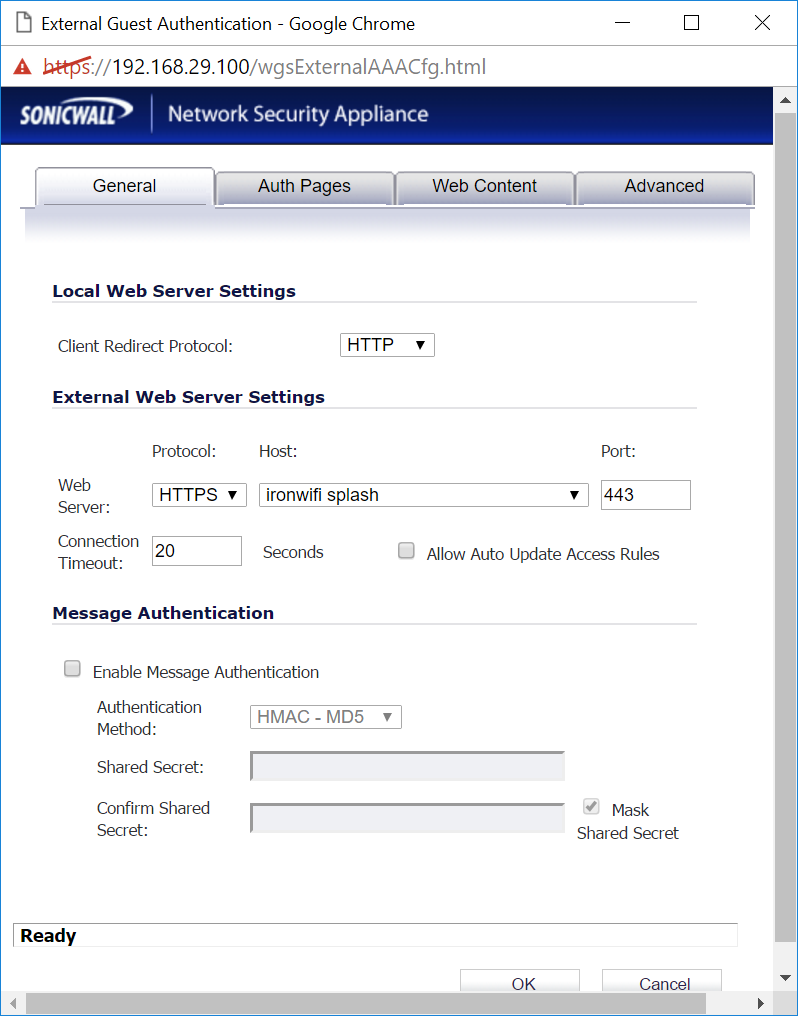
Captive Portal
- Enable external captive portal
- Set splash page URL from IronWiFi
- Configure walled garden to include
107.178.250.42
Walled Garden
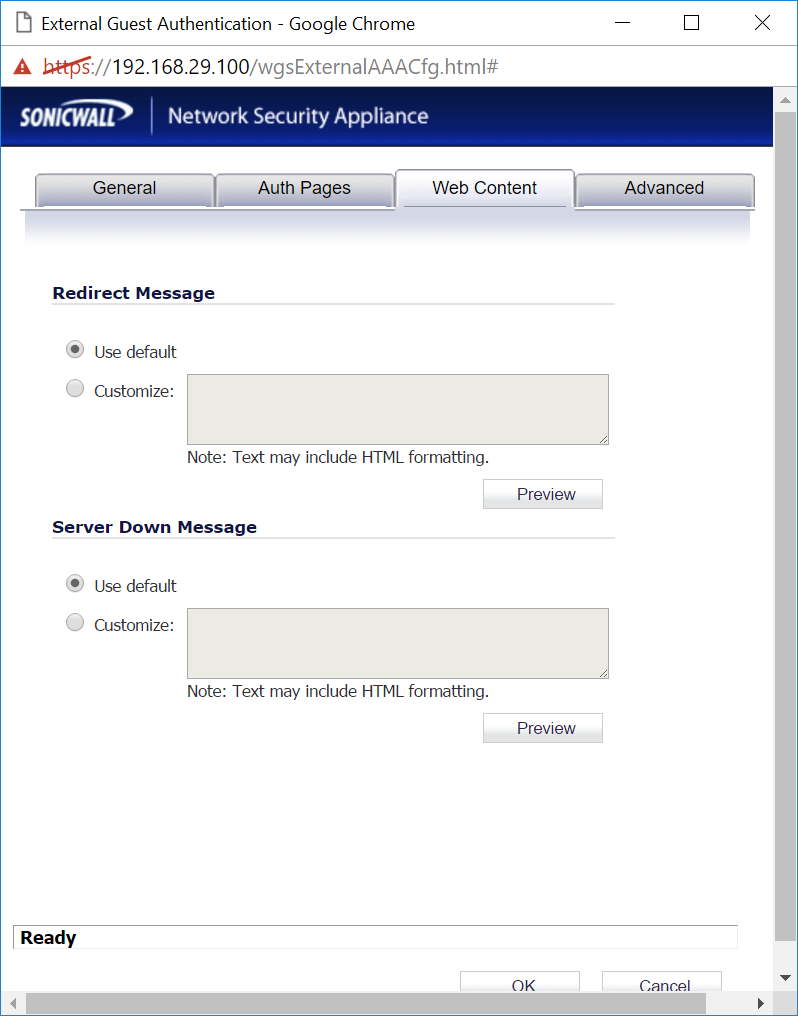
Add these entries for pre-authentication access:
Required for IronWiFi:
- (IronWiFi splash page)
107.178.250.42 - DNS servers
Authentication Provider Domains:
If using social login providers, add the following domains to your walled garden:
| Provider | Required Entries |
|---|---|
| |
| |
| |
| |
| Microsoft | |
WPA-Enterprise
For 802.1X authentication:
- Set security to WPA2-Enterprise
- Configure RADIUS server details
- Test with a known user
Troubleshooting
| Issue | Possible Cause | Solution |
|---|---|---|
| Portal not appearing | Walled garden misconfigured | Check walled garden includes |
| Authentication failing | RADIUS settings incorrect | Verify RADIUS IP, ports, and shared secret match IronWiFi Console |
| No internet after auth | Firewall or VLAN issue | Check firewall rules and VLAN settings |
Getting Help
For device-specific questions:
- Check manufacturer documentation
- Contact IronWiFi support at support@ironwifi.com
Related Topics
Shared configuration
Was this page helpful?