Google Analytics
IronWifi and Google Analytics Integration:
-
Create an IronWifi account the first >>> Open an account
-
Follow the provided instructions to set up your AP configuration >>> AP configuration instructions
-
Follow instructions on how to integrate your Google Analytics with IronWifi⬇ **
-
Navigate to your Google Analytics account >>> https://analytics.google.com/analytics/web/
You will need to get your Google Analytics Tracking ID** and save it to the Account settings.
-
Click on the Admin button in the lower-left corner. Under the Account column, select the account you want to set up tracking for
-
Under the Property column, select the website or app for which you want to set up tracking.
-
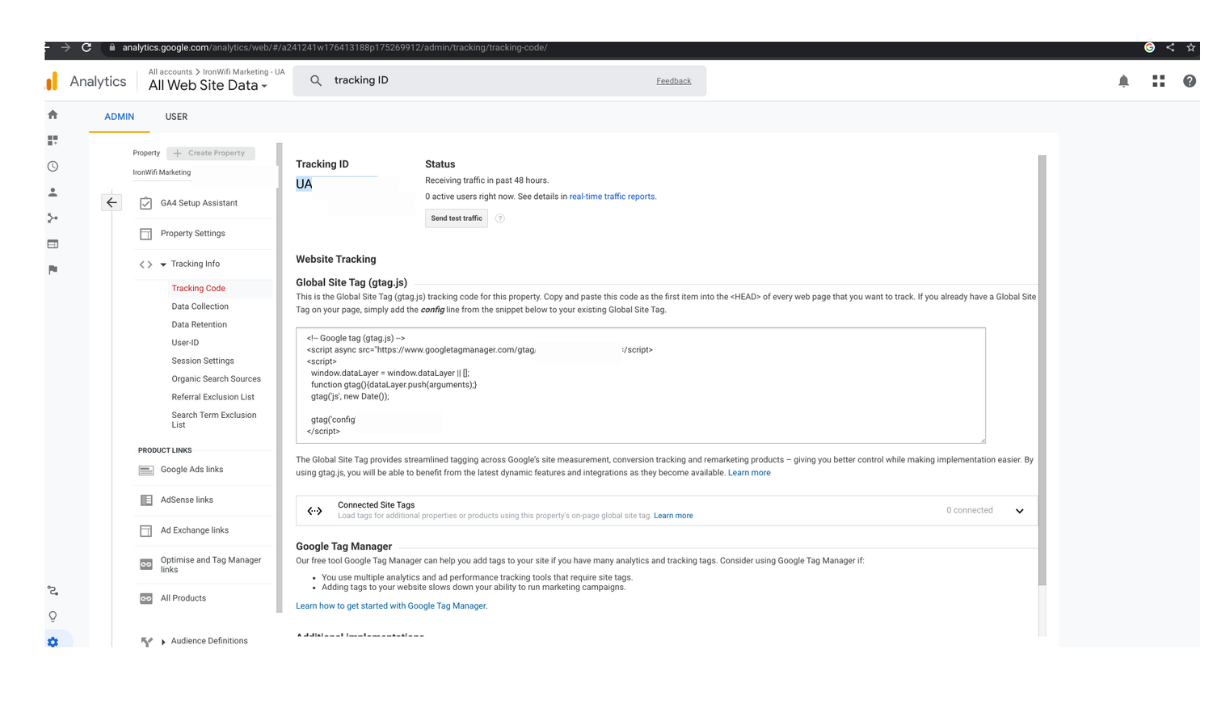
Under the Property column, click on Tracking Info, then Tracking Code. Your Tracking ID will be displayed at the top of the page in the format "UA-XXXXXXX-X".
-
Copy your Tracking ID.
-
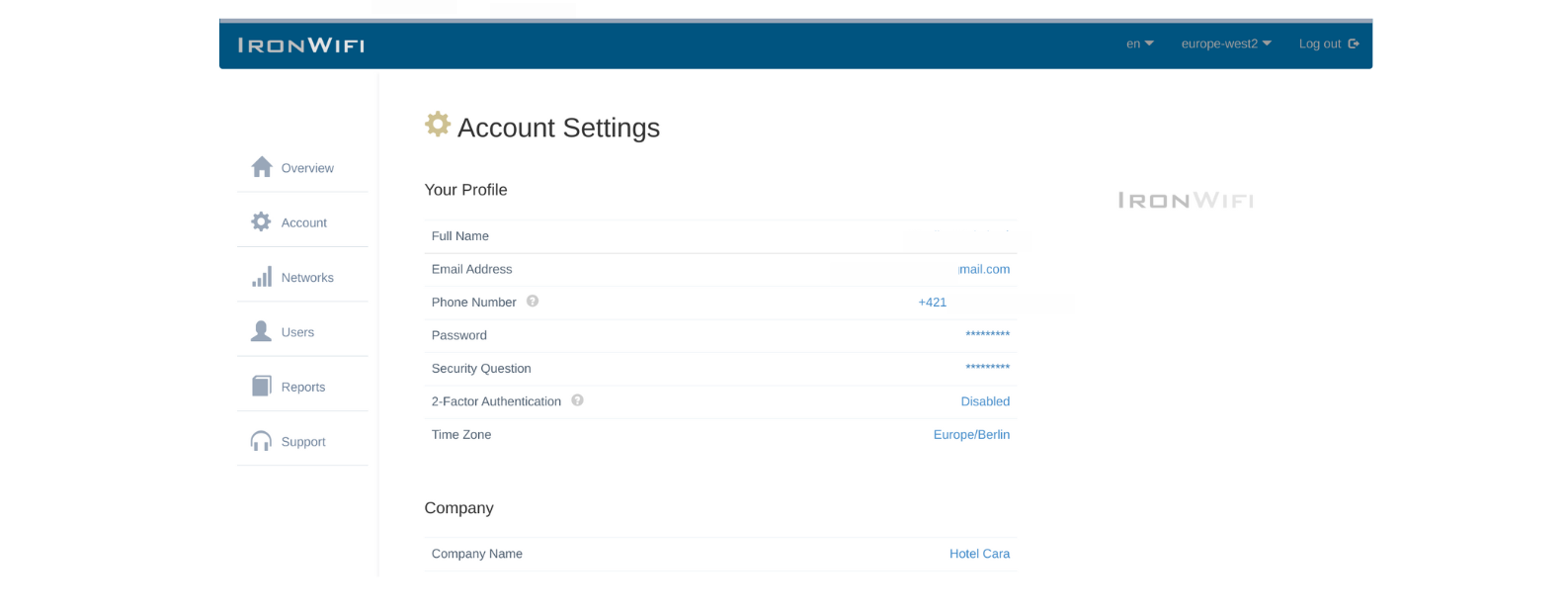
Go to the IronWifi Console
-
Under Account Settings> scroll down to the Marketing section
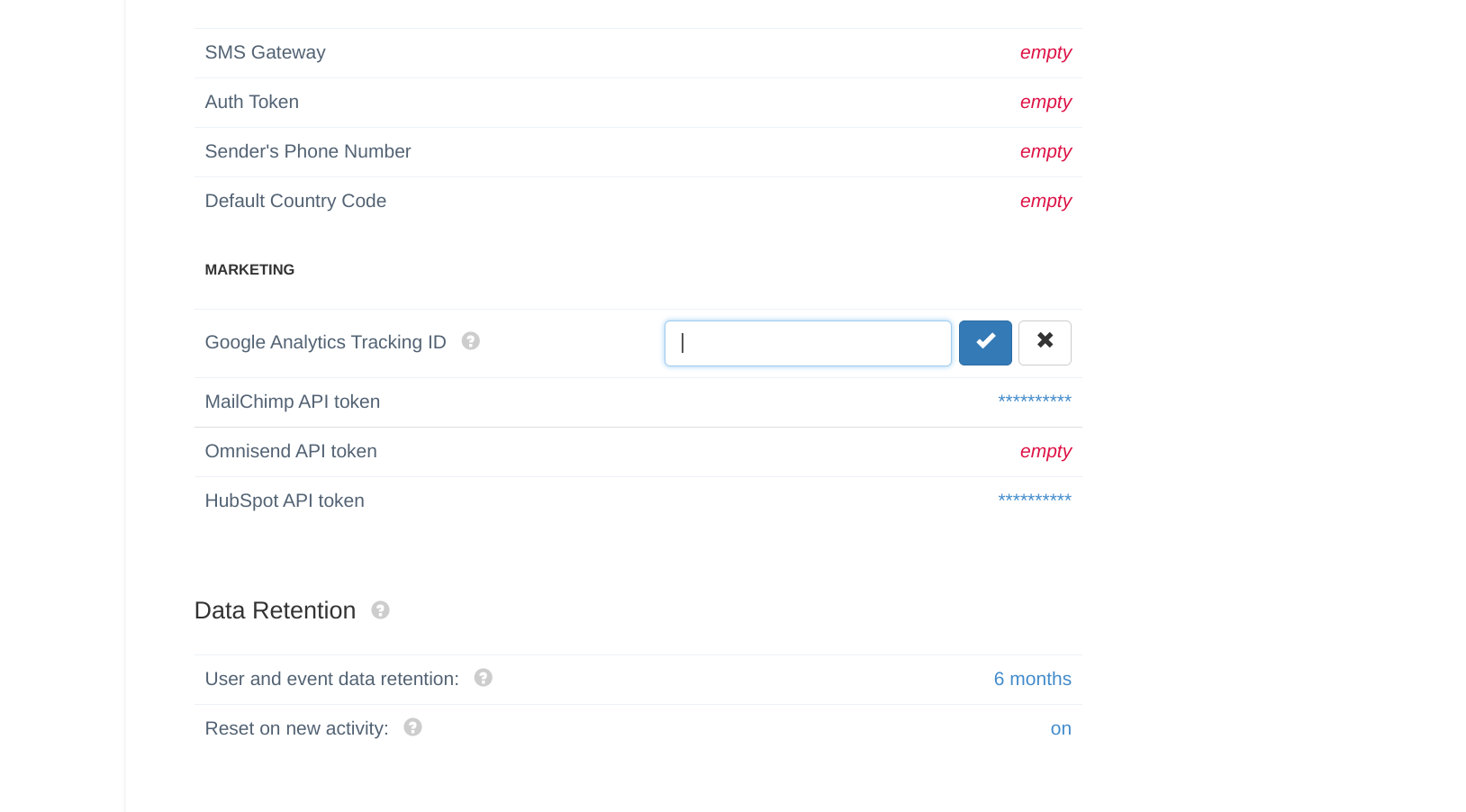
- Paste your Tracking ID from Google Analytics account.