Attributes
RADIUS attributes are name-value pairs defined by the RADIUS protocol (RFC 2865) that carry authentication, authorization, and accounting information between a network access server and a RADIUS server. They control how users connect to a network by specifying settings such as bandwidth limits, VLAN assignments, session timeouts, and time-based access restrictions.
Use attributes in IronWiFi to set bandwidth limits, assign VLANs, enforce session timeouts, and restrict access based on time or usage.
Attribute Types
Check Attributes
Check attributes are evaluated during authentication. The RADIUS server compares received values against pre-defined values.
Use cases:
- Password verification
- Time-based access control
- Session limits
Reply Attributes
Reply attributes are sent back to the NAS/Controller when authentication succeeds.
Use cases:
- Bandwidth limits
- VLAN assignment
- Session timeouts
Common Attributes
Authentication
| Attribute | Type | Description |
|---|---|---|
| check | User's password in clear text |
| check | Encrypted password |
| check | NTLM hash for MS-CHAPv2 |
| check | Authentication method to use |
Session Control
| Attribute | Type | Value | Description |
|---|---|---|---|
| reply | seconds | Maximum session duration |
| reply | seconds | Disconnect after idle time |
| reply | seconds | Accounting update interval |
| check | number | Max concurrent sessions |
Bandwidth Control
| Attribute | Type | Value | Description |
|---|---|---|---|
| reply | bps | Maximum download speed |
| reply | bps | Maximum upload speed |
| reply | string | MikroTik-specific rate limit |
VLAN Assignment
| Attribute | Type | Value | Description |
|---|---|---|---|
| reply | VLAN | Set to VLAN for VLAN assignment |
| reply | IEEE-802 | Medium type |
| reply | VLAN ID | The VLAN to assign |
Time Restrictions
| Attribute | Type | Value | Description |
|---|---|---|---|
| check | time spec | When user can authenticate |
Time specification format:
- - Weekdays 9 AM to 5 PM
Wk0900-1700 - - Weekends only
Sa,Su - or
Al- All timesAny
Operators
| Operator | Symbol | Description |
|---|---|---|
| Attribute | | Match exactly |
| Add | | Add to list |
| Assign | | Assign (overwrite) |
| Equal | | Comparison equality |
| Not Equal | | Not equal |
| Less Than | | Less than |
| Greater Than | | Greater than |
| Less or Equal | | Less than or equal |
| Greater or Equal | | Greater than or equal |
| Regex Match | | Regular expression match |
| Regex Not Match | | Regex doesn't match |
Vendor-Specific Attributes (VSA)
IronWiFi supports VSAs for many vendors:
Cisco
Cisco-AVPairCisco-Command
Microsoft
MS-MPPE-Send-KeyMS-MPPE-Recv-Key
MikroTik
Mikrotik-Rate-LimitMikrotik-GroupMikrotik-Wireless-PSK
Ubiquiti
Ubiquiti uses standard attributes but may require specific configurations.
Adding Attributes
To a User
- Navigate to Users > select user
- Click Add Attribute
- Search or browse for the attribute
- Select table (check or reply)
- Choose operator
- Enter value
- Click Save
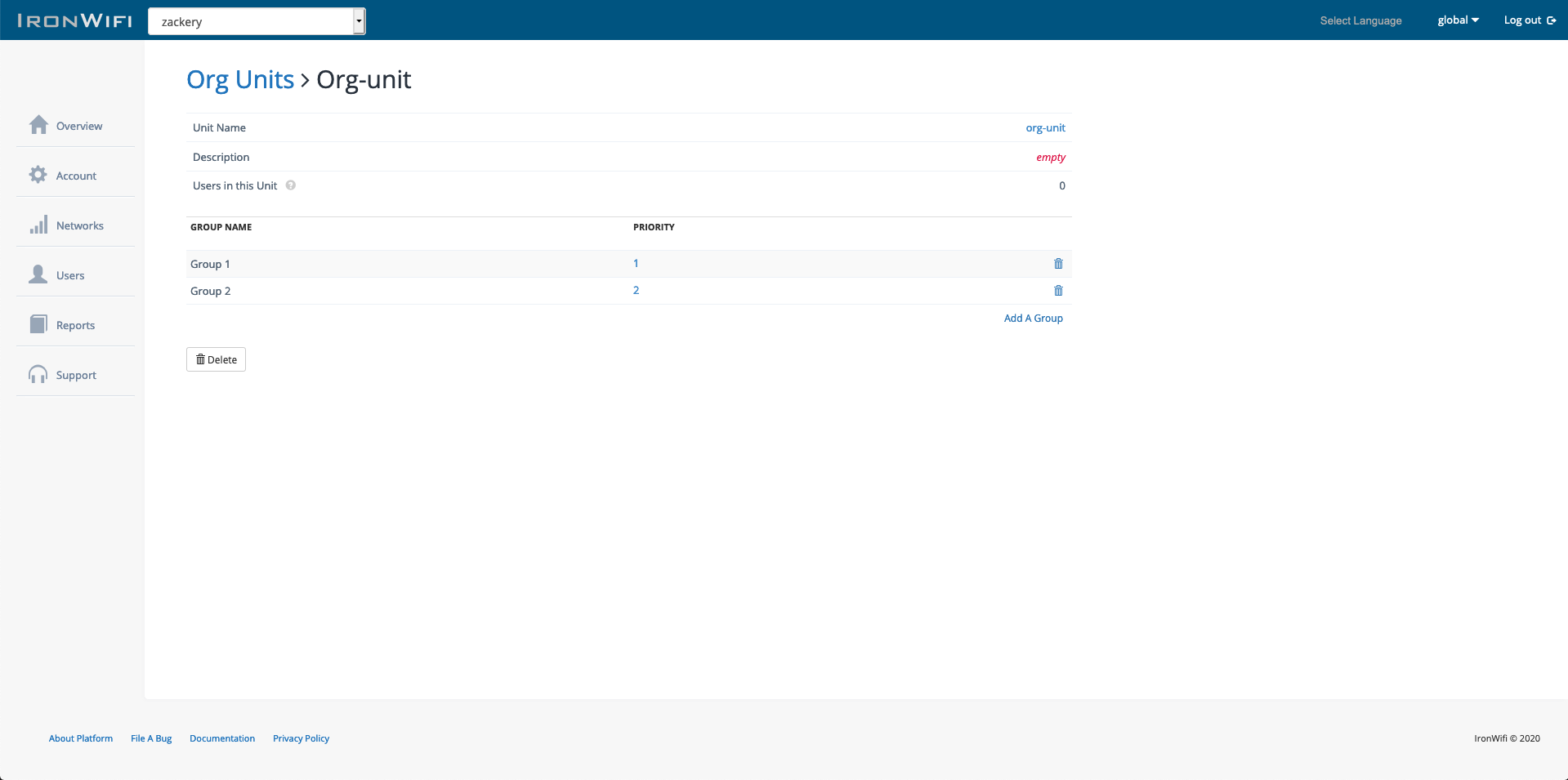
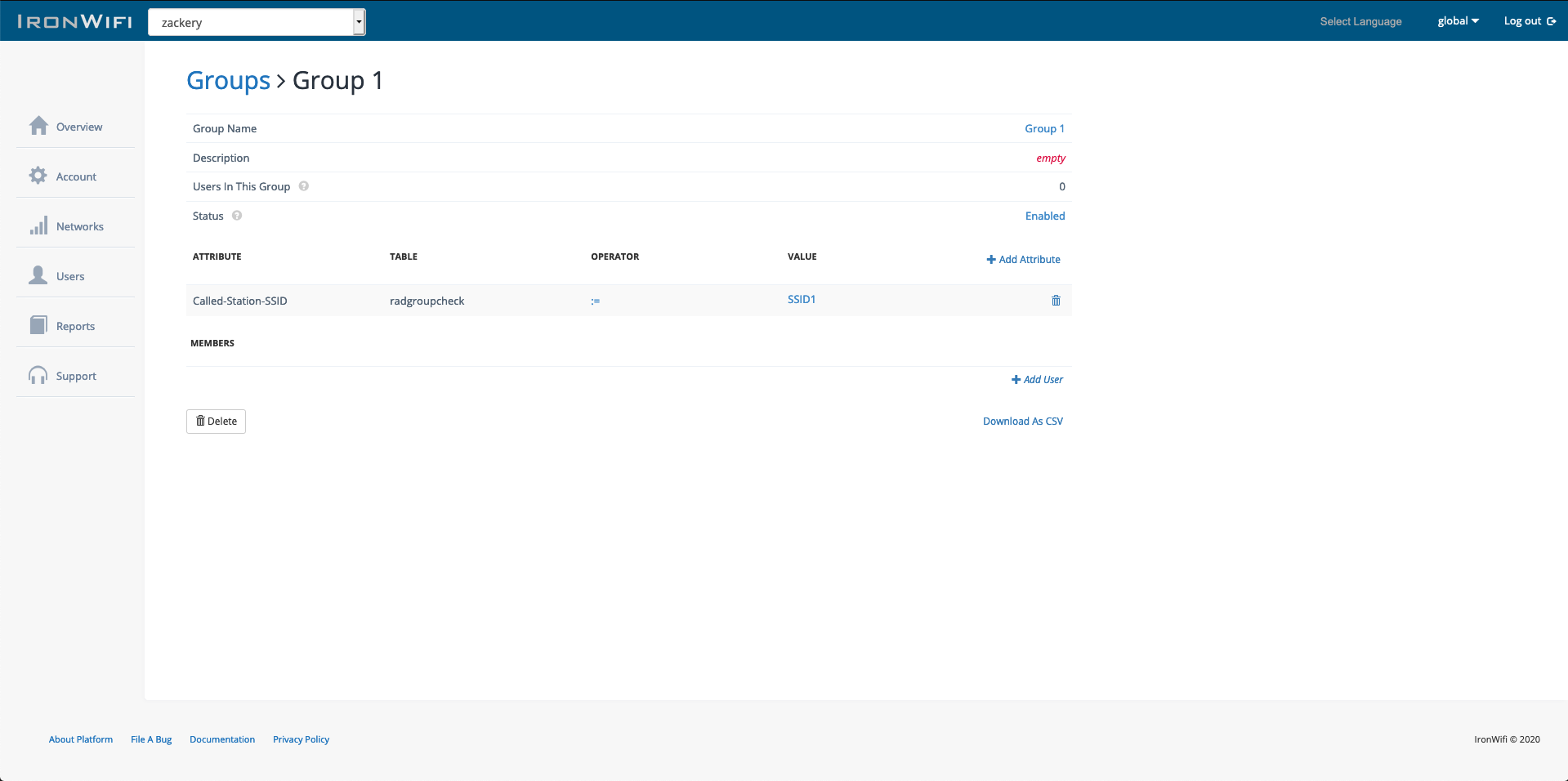
To a Group
- Navigate to Users > Groups > select group
- Click Add Attribute
- Configure as above
Best Practices
- Start simple - Begin with basic attributes and add complexity as needed
- Test thoroughly - Verify attributes work with your specific hardware
- Use groups - Apply common attributes via groups rather than individually
- Document - Keep notes on what each attribute configuration achieves
- Check vendor docs - Some attributes are vendor-specific
Troubleshooting
Attributes Not Applied
- Verify the attribute is supported by your hardware
- Check the operator is correct
- Ensure the attribute is in the reply table (not check)
- Review group priority if using multiple groups
Conflicting Attributes
When multiple attributes of the same type exist:
- Last-applied typically wins
- Group priority determines order
- User-level attributes override group attributes
Related Topics
- Groups and Access Policies -- apply shared attributes to multiple users via group membership
- User Account Management -- configure per-user check and reply attributes
- Network Configuration -- RADIUS settings where attributes are evaluated
- Troubleshooting VLAN and Bandwidth Issues -- resolve attribute-related access problems
- Vouchers -- apply session and bandwidth attributes to voucher-authenticated users
Was this page helpful?