Invalid Signature error when downloading Passpoint profile on Windows
Due to change of logic introduced in Windows update in the past few months, that was seemingly reversed in the latest Experience Pack, whilst downloading Passpoint profile on Windows machine from the Captive Portal environment, you might encounter the error pictured below:
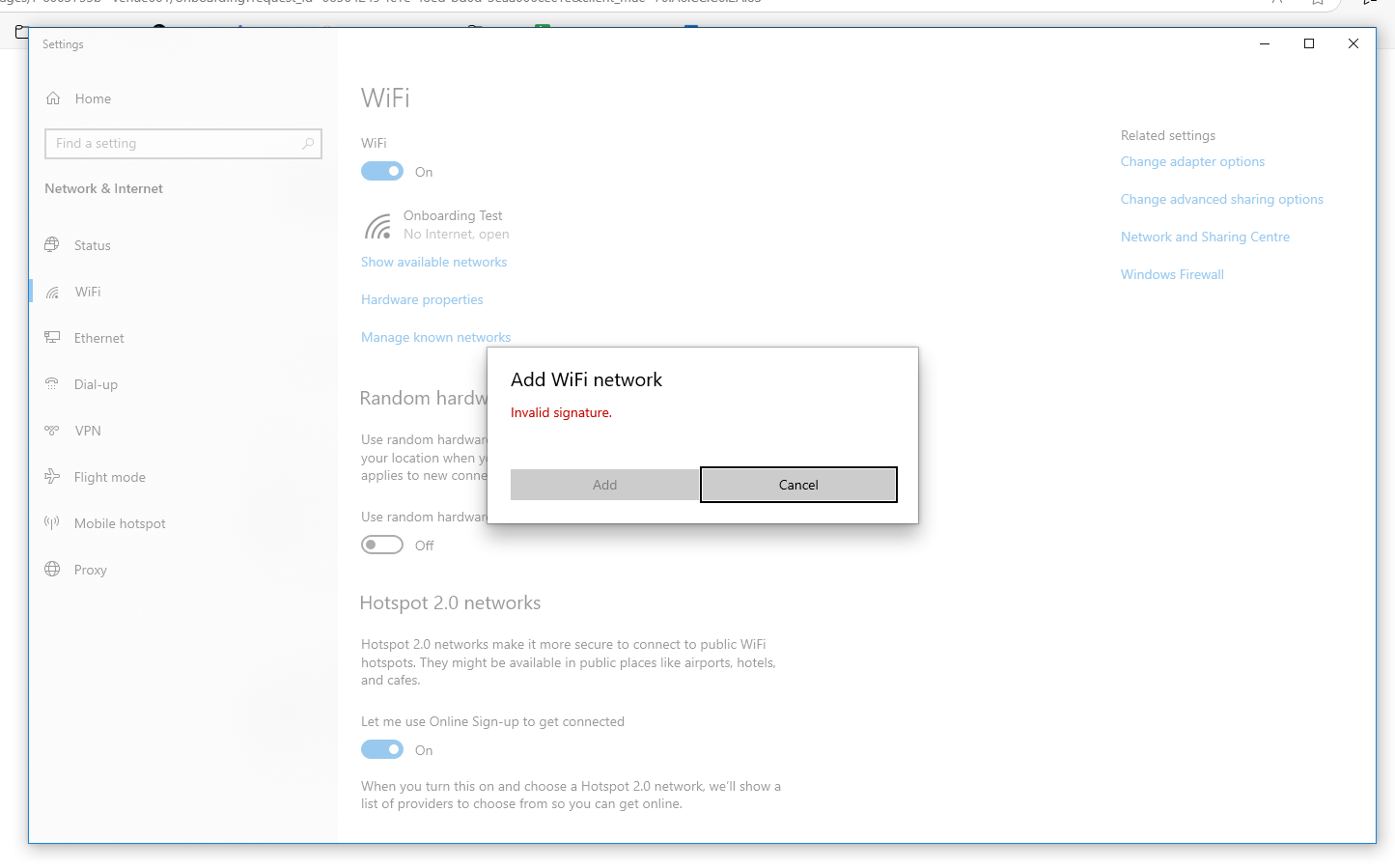
This is due to the machine behind captive portal being unable to reach the OCSP servers to validate the Extended Validation certificate which we are using to sign the Passpoint profile.
If your users have reported the above error, the solution is to add two URLs to your Walled Garden / Pre-auth URL List / Allowed Hostnames:
If your controller only accepts IP addresses in the pre-auth list, then add the following IP addresses:
- 172.64.149.23
- 104.18.38.233